Usage
Audience: All usersApplies to: Your personal account
The Usage page shows how much of your monthly limit you have used so far. To open it, select Settings from the account menu, then choose the Usage tab.
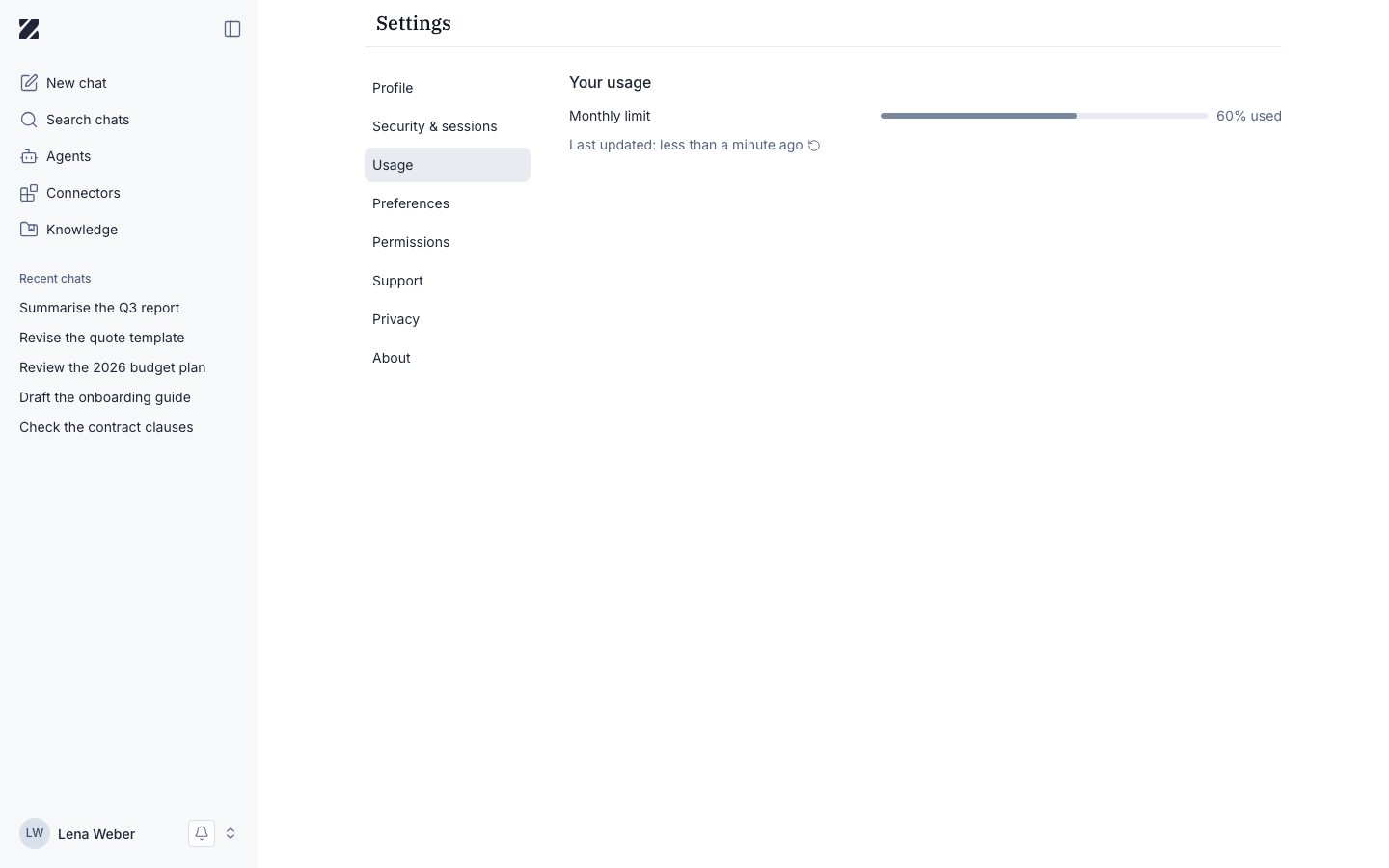
Your usage
The Your usage section displays your Monthly limit as a progress bar with the percentage used, for example 60% used. A Last updated timestamp shows when the figure was last refreshed.
The bar tracks your usage against your plan's monthly limit. It updates in near real time, so the number reflects your recent activity within a short delay.
What administrators see
Administrators can see the usage of every user in the admin console:
- On the Users page, the Usage filter lists users who have Reached limit, used More than 80%, Between 50% and 80% or Less than 50%. A user's detail page shows a Token usage chart.
- On the Admin overview, Usage analytics charts consumption over time, per user or per team.
Permissions & roles
- Audience
- All users
- Applies to
- Your own account only
The figures on this page reflect only your own usage.
Related
Was this page helpful?