Preferences
Audience: All usersApplies to: Your personal account
The Preferences page lets you set the display language for your Zentre AI account. To open it, select Settings from the account menu, then choose the Preferences tab.
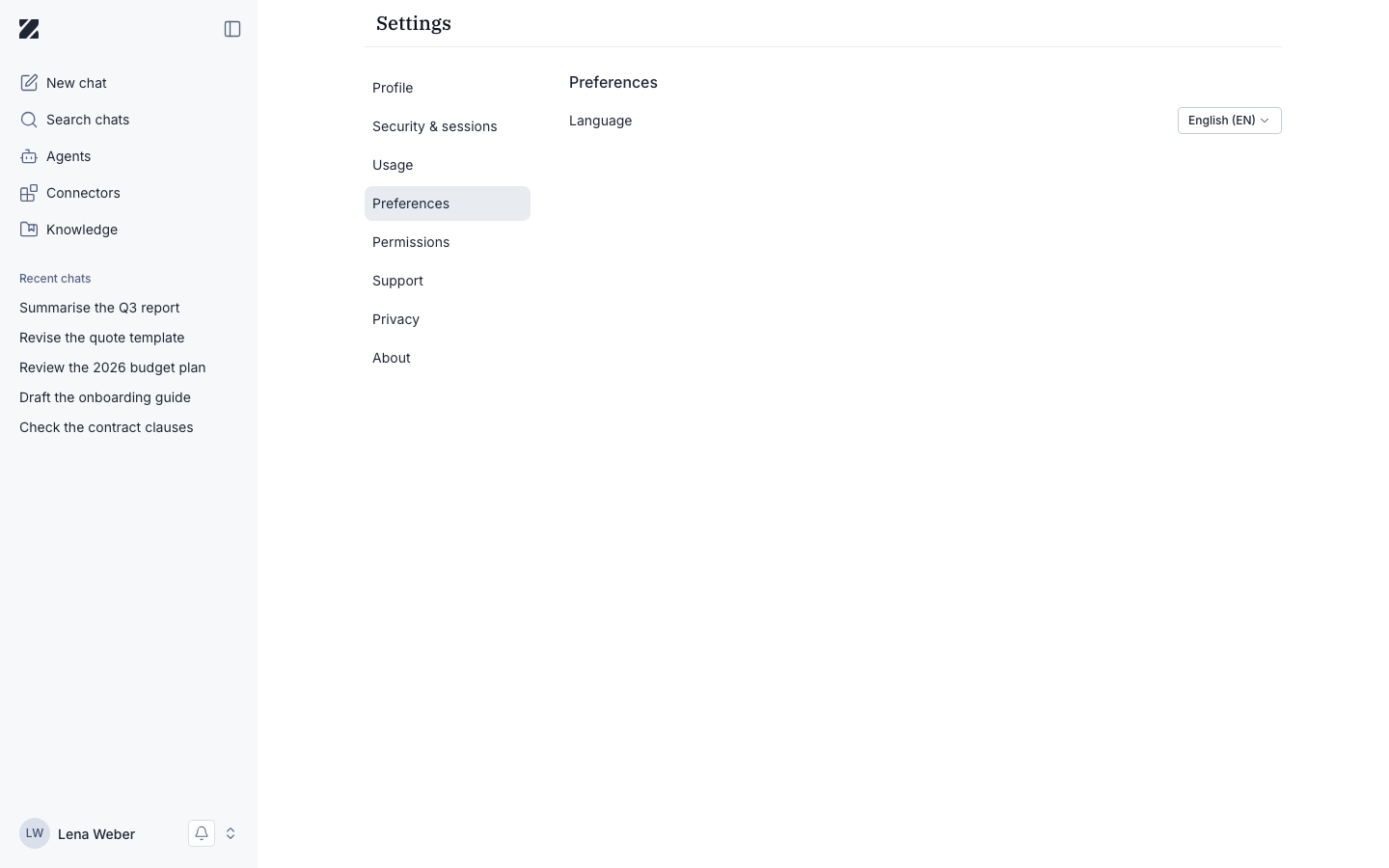
Language
The Language dropdown sets the language used throughout the app. The available options are:
- English (EN)
- Deutsch (DE)
- Français (FR)
- العربية (AR)
Changing your language
- Open the Preferences tab.
- Open the Language dropdown.
- Choose a language from the list.
- In the Change language? dialog, select Confirm to apply.
When you choose a language, a Change language? dialog explains that the change updates your display language, saves to your account, and takes effect immediately. Select Confirm to apply it.
Language in other places
Your display language applies to the app. Language can also be set in these places:
- Login pages: the login pages of the chat and admin apps have their own language selector, and a link can set the language of the login page.
- These docs: the documentation is available in English and German. Switch with the language menu at the top of the page.
- Organization defaults: administrators set workspace-wide defaults on the Preferences tab of the Organisation page.
Permissions & roles
- Audience
- All users
- Applies to
- Your own account only
Your language preference applies only to your own account.
Related
Was this page helpful?