Permissions
Your Permissions page lists the tool permissions that connectors request and use in Zentre AI. The section is titled Tool permission. Entries appear here once a connector starts using a tool on your behalf, so you can see what each connector is able to do.
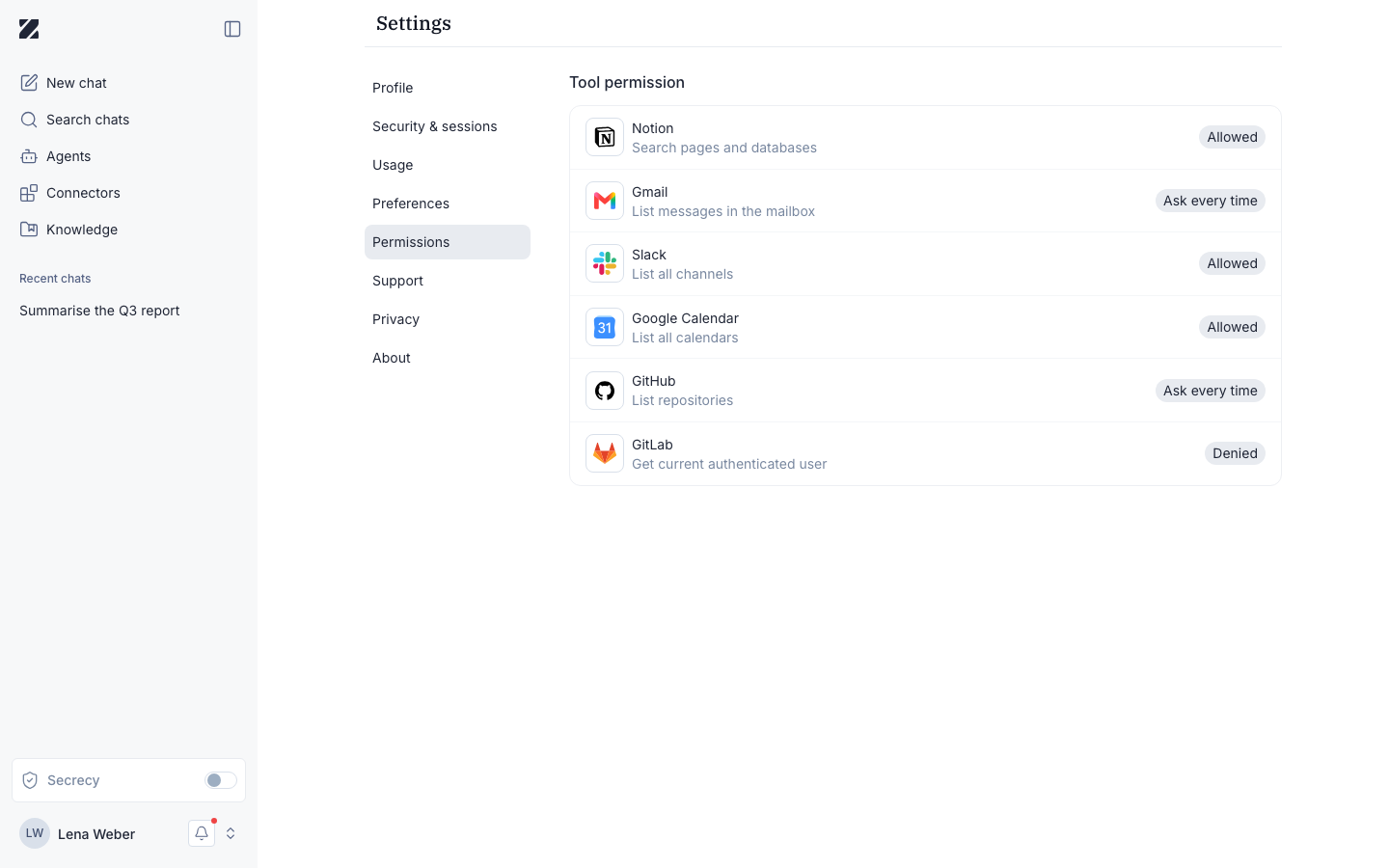
Tool permissions
The Tool permission section is where the access granted to your connectors is collected. Each entry corresponds to a tool a connector can call. You review them here in one place rather than per connector.
Before you use a connector
When you have no connectors in use, the section shows an empty state with the heading No permissions configured and the message Tool permissions appear here once you start using connectors.
This is expected on a new account. Connect and use a connector, and its tool permissions appear in this section automatically.
Permissions & roles
- Audience
- All users
- Applies to
- Your own account only
This page reflects the tool permissions tied to your own connectors. Other members of your organization see their own permissions on their own page.
Related
Was this page helpful?